






Showing 1–16 of 27 results

Filter by price
Filter by brands

- National Instruments
- PCI ModulesPCI Modules
- PXI Systems
- PXI Chassis
- PXI Controller
- PXI Modules
- PXI Semiconductor Test
- PXI FPGA and RIO Modules
- PXI MXI Interfaces
- PXI Programmable Power Supplies & SMU
- PXI Sensor Measurements
- PXI Signal Generators
- PXI Vision
- PXI Data Acquisition
- PXI Oscilloscopes/Digitizers
- PXI Counter/Timers
- PXI RF and Wireless Test
- PXI GPIB, Ethernet and VXI
- PXI Switches
- PXI Digital Multimeters
- PXI Digital Input/Output
- PXI Industrial Communication
- PXI Dynamic Signal Analysis
- PXI Data Streaming
- CompactDAQ Systems
- CompactRIO Systems
- PCI Modules
- USB Devices
- USRP Software Defined Radio Device
- keysight
- Tektronix

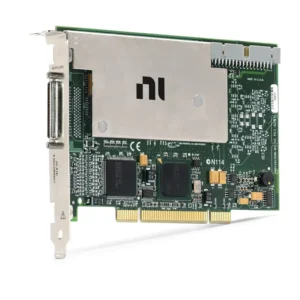
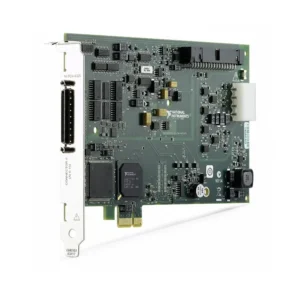
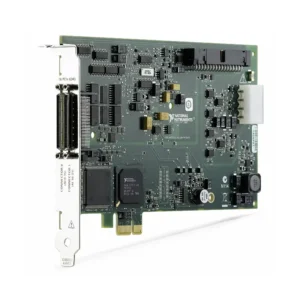
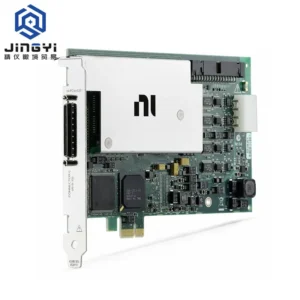
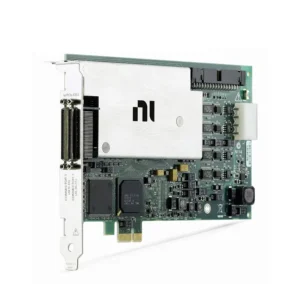
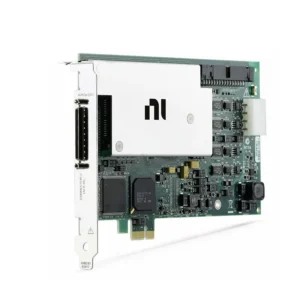
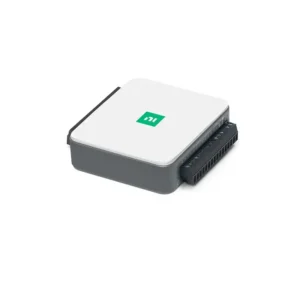
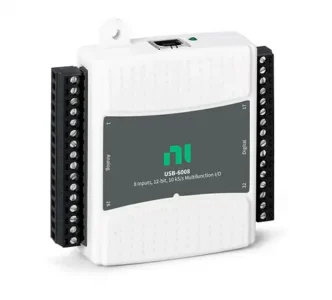
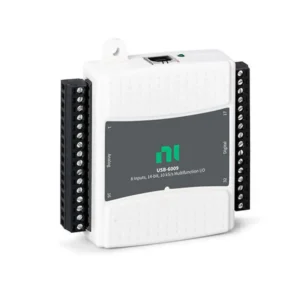
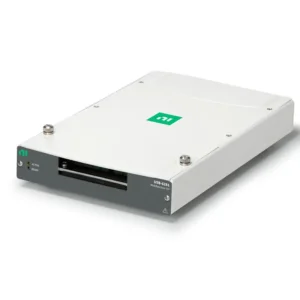

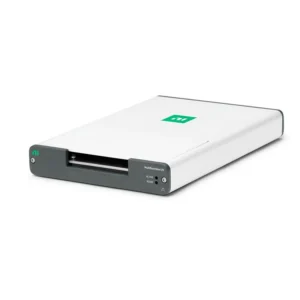
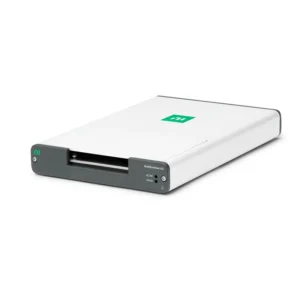
NI PCI Data Acquisition Devices
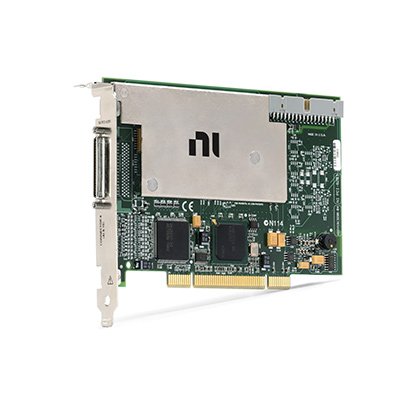
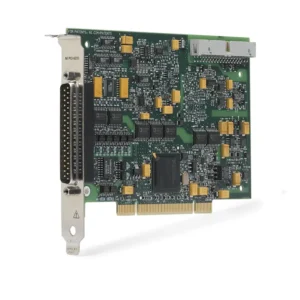
NI PCI and PCI Express data acquisition devices install directly inside a desktop, industrial computer or compatible workstation to provide analog input, analog output, digital I/O and counter/timer functions. They are used in automated test, laboratory measurement, machine monitoring, production validation and custom PC-based control systems.
Select a PCI DAQ device by the computer bus, signal type, channel count, sample rate, bandwidth, input range, timing architecture, connector accessories and software compatibility. PCI and PCIe are different interfaces, so the motherboard slot and device form factor must be confirmed before purchasing hardware.
PCI Data Acquisition Device Types
| Device Category | Primary Functions | Typical Applications | Key Selection Considerations |
|---|---|---|---|
| Multifunction DAQ | Analog input, analog output, digital I/O and counters on one device | General automated test, laboratory measurement and machine integration | Combined channel requirements, sampling architecture and timing resources |
| Analog Input | Measures voltage or compatible conditioned sensor signals | Data logging, electrical validation and sensor monitoring | Input range, sample rate, resolution, bandwidth and channel configuration |
| Analog Output | Generates voltage or supported control signals | Stimulus generation, simulation, setpoint control and hardware testing | Output range, update rate, load capability and waveform requirements |
| Digital I/O | Monitors and controls digital states or patterns | Test fixtures, status monitoring, relays and digital validation | Logic level, direction, timing, isolation and output drive requirements |
| Counter and Timer | Measures or generates pulse, frequency and timing signals | Encoders, tachometers, event counting, PWM and motion-related tests | Maximum edge rate, counter resources, timebase and trigger support |
| Simultaneous-Sampling DAQ | Acquires multiple analog channels at the same instant | Power, vibration, force, pressure and phase-sensitive measurements | Per-channel rate, synchronization, phase matching and data throughput |
PCI Compared with PCI Express
| Interface | Bus Architecture | Best Fit | Compatibility Requirement |
|---|---|---|---|
| PCI | Legacy shared parallel computer bus | Existing industrial computers and established legacy systems | Compatible PCI slot, voltage keying, operating system and driver support |
| PCI Express | Point-to-point serial PCIe connection | Current workstations, higher-throughput acquisition and new systems | Compatible PCIe slot, lane allocation, mechanical clearance and driver support |
A PCI device cannot be installed in a PCIe slot, and a PCIe device cannot be installed in a legacy PCI slot. Check the host computer motherboard and device connector before ordering.
How to Select a PCI Data Acquisition Device
1. Verify the Host Computer Slot
Inspect the target computer or motherboard and determine whether it provides PCI or PCI Express expansion slots. For PCIe devices, confirm the available slot size, lane configuration, chipset allocation and mechanical clearance.
Industrial computers can retain PCI slots for legacy systems, while newer workstations often provide only PCIe. Also verify full-height or low-profile bracket requirements and any restrictions created by graphics cards or adjacent expansion hardware.
2. Identify the Required Signals
List every required analog input, analog output, digital line, counter, trigger and reference signal. For each channel, record the voltage or current range, source impedance, electrical reference, required rate and connector arrangement.
General PCI DAQ devices normally measure voltage or already conditioned signals. Thermocouples, RTDs, bridge sensors, IEPE sensors and other low-level transducers can require external signal conditioning or dedicated sensor-measurement hardware.
3. Select Input Range and Resolution
Choose the smallest input range that safely accommodates the expected signal, including offset, noise and normal overload conditions. This generally improves effective use of the available converter resolution.
ADC resolution alone does not determine accuracy. Input noise, gain error, offset, source impedance, grounding and environmental interference all affect practical measurement performance.
4. Determine Sample Rate and Bandwidth
Select the measurement bandwidth first, then confirm the required sample rate. Slow process and temperature signals have different requirements from transient, vibration, power and dynamic waveform measurements.
Verify whether the specified sample rate applies per channel or is shared across enabled channels. Multiplexed and simultaneous-sampling devices can have very different channel timing characteristics.
5. Calculate Data Throughput
For continuous acquisition, calculate the expected payload rate:
Data rate = active channels × sample rate × transferred bytes per sample.
Include input and output streams, digital data, metadata and operating margin. The DAQ device, PCI or PCIe bus, system memory, processor, application and storage must all sustain the required workload.
6. Review Triggering and Synchronization
Determine whether the application needs digital triggering, analog triggering, shared sample clocks, external reference clocks or synchronization with other installed devices. Timing should be planned for the complete system rather than assumed from a shared computer.
Applications involving phase relationships, event correlation or coordinated input and output require hardware capable of the necessary timing and routing functions.
7. Confirm Cable and Terminal Accessories
PCI DAQ devices normally connect to field signals through a compatible cable and terminal block. Connector type, cable length, shielding and terminal accessory can affect installation, channel accessibility and signal quality.
Confirm differential, referenced single-ended or nonreferenced single-ended wiring requirements where supported. The correct configuration depends on source grounding, cable length and noise environment.
Analog Input and Signal Conditioning
Analog input channels are used for voltage measurement and compatible conditioned sensors. Review input range, resolution, channel configuration, source impedance, settling time and common-mode conditions.
Use appropriate external conditioning for sensors requiring excitation, isolation, amplification, filtering or electrical conversion. A general-purpose analog input does not automatically provide thermocouple cold-junction compensation, bridge completion, IEPE power or RTD excitation.
Analog Output and Control Signals
Analog outputs can generate setpoints, test stimuli, simulated sensor signals and control commands. Confirm output range, update rate, resolution, current capability, settling behavior and load impedance.
DAQ analog outputs are normally control-level signals. Motors, valves, power loads and other actuators can require an external amplifier, driver or isolated interface.
Digital I/O and Counter Functions
Digital I/O can monitor switches, alarms and external logic or control test fixtures, selectors and driver circuits. Confirm logic voltage, direction, hardware timing, current capability and isolation requirements.
Counter and timer channels support compatible pulse counting, frequency, period, encoder and timing applications. Verify signal level, maximum edge rate, available counter resources and simultaneous task requirements.
Do not assume that every digital line supports counter, encoder or hardware-timed waveform functions. Review the exact device timing resources before selecting hardware.
Software and PC Compatibility
Supported NI PCI and PCIe DAQ devices commonly use NI-DAQmx for hardware recognition, channel configuration, timing, triggering, scaling and acquisition. NI Measurement & Automation Explorer can be used to inspect the installed device and run supported diagnostic functions.
LabVIEW and other supported programming environments can be used to create automated measurement and control applications. Verify the operating system, motherboard, driver version and application-software support for the exact device.
Legacy PCI systems can depend on older operating systems or driver releases. Do not replace the computer or DAQ card without reviewing both hardware and software compatibility.
Legacy PCI DAQ Replacement
Replacing an older PCI DAQ card with a PCIe device requires more than matching channel count. The replacement may use different connectors, cables, terminal blocks, input ranges, sampling architecture, timing routes or software support.
Compare the following before approving a replacement:
- PCI or PCIe computer-bus compatibility
- Analog input and output channel quantities
- Digital I/O and counter resources
- Input range, resolution, sample rate and bandwidth
- Multiplexed or simultaneous-sampling architecture
- External trigger and synchronization support
- Connector, cable and terminal-block pinout
- Operating system, NI-DAQmx and application-code compatibility
Requalify the replacement with the actual test fixture, signal sources, acquisition duration and pass/fail limits before production use.
Typical PCI Data Acquisition Applications
- Automated production and functional testing
- Laboratory measurement and research systems
- Industrial machine monitoring and control
- Voltage, current and conditioned sensor acquisition
- Digital test fixtures and relay control
- Encoder, frequency, pulse and event measurement
- Power electronics and electromechanical validation
- Automotive and aerospace component testing
- Long-duration PC-based data logging
- Replacement and maintenance of legacy DAQ systems
PCI Data Acquisition Procurement Guide
Provide the following information for accurate PCI DAQ selection and quotation:
- Required PCI or PCI Express interface
- Host computer model, motherboard and available expansion slots
- Required analog input, analog output, digital I/O and counter channels
- Signal type, input or output range and source impedance
- Required resolution, sample rate, bandwidth and recording duration
- Need for simultaneous sampling, triggering or synchronization
- Grounding, isolation, common-mode and electrical-noise conditions
- Required cables, terminal blocks, breakout accessories and conditioning
- Operating system, NI-DAQmx and application-software versions
- Existing device model and pinout requirements for replacement projects
- Required quantity, preferred product condition and delivery destination
FAQ
What is the difference between PCI and PCIe DAQ devices?
PCI uses a legacy shared parallel bus, while PCI Express uses point-to-point serial links. The connectors and slots are different, so the computer must provide the correct interface.
Can I install a PCI DAQ card in a PCIe slot?
No. PCI and PCIe use different physical and electrical interfaces. Select a device compatible with the available motherboard slot.
Can a general PCI DAQ card measure sensors directly?
It can measure sensors that provide compatible conditioned voltage or current signals. Sensors requiring excitation or dedicated conditioning normally need external hardware or a specialized measurement device.
Do I need simultaneous sampling?
Simultaneous sampling is important when phase and timing relationships between channels must be preserved. Multiplexed acquisition can be suitable for slower or non-phase-sensitive measurements.
Can a newer PCIe DAQ device directly replace a legacy PCI card?
Not automatically. Compare signals, timing, connectors, terminal accessories, driver support and application code before approving a replacement.
Related NI Data Acquisition Platforms
Explore NI PCI and USB devices for PC-based measurement hardware. Use CompactDAQ systems for modular and portable acquisition, CompactRIO systems for embedded FPGA and real-time control, or NI PXI systems for high-channel-count modular instrumentation.
NI PCI Data Acquisition Devices from PXISOURCE
PXISOURCE supports engineers and procurement teams with PCI and PCIe DAQ selection, computer and driver compatibility review, cable and terminal-block matching, and sourcing for new systems, spare inventory and legacy replacements.
Need help selecting the right NI PCI data acquisition device? Email sales@pxisource.com or contact PXISOURCE on WhatsApp.