






Показаны все (2)

Фильтровать по брендам

- Национальные инструменты
- PCI ModulesPCI Modules
- Системы PXI
- PXI Шасси
- PXI Контроллер
- Модули PXI
- PXI Semiconductor Test
- PXI FPGA and RIO Modules
- PXI MXI Interfaces
- PXI Programmable Power Supplies & SMU
- PXI Sensor Measurements
- Генераторы сигналов PXI
- PXI Vision
- Сбор данных PXI
- Осциллографы/Цифровые преобразователи PXI
- PXI Счетчики/Таймеры
- PXI РЧ и беспроводное тестирование
- PXI GPIB, Ethernet and VXI
- PXI-коммутаторы
- Цифровые мультиметры PXI
- Цифровой ввод-вывод PXI
- Промышленная связь PXI
- Динамический анализ сигналов PXI
- Передача данных PXI
- CompactDAQ Systems
- CompactRIO Systems
- PCI Modules
- USB Devices
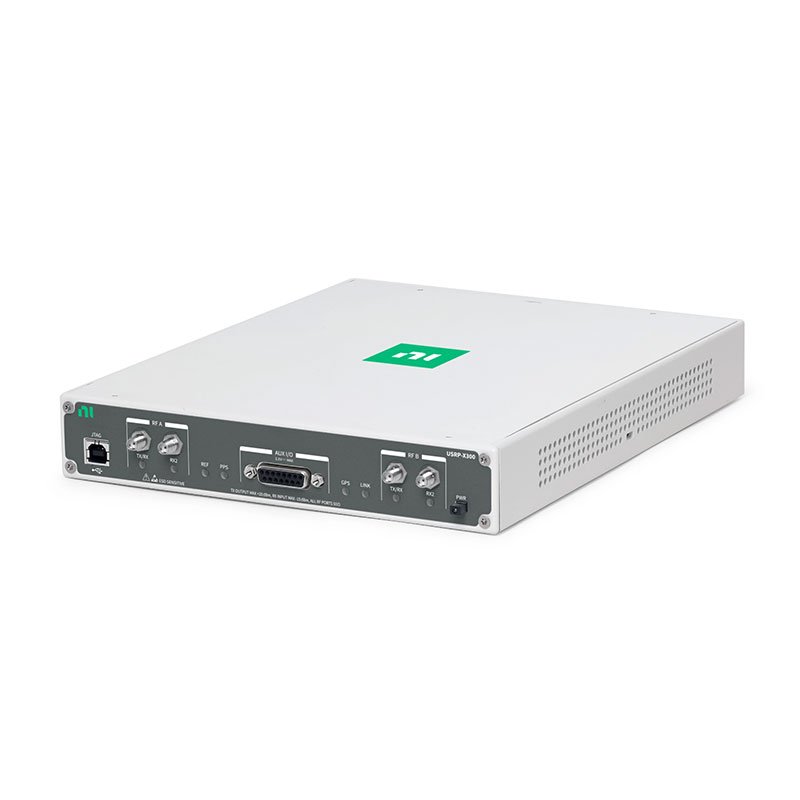
- Устройство программно-определяемого радио USRP
- ключи
- ТекТроникс
NI USB RF and Wireless Test Devices
NI USB RF and wireless test devices connect RF hardware to a host computer for software-defined radio, wireless development, spectrum monitoring, signal recording and transmit-receive experiments. They are commonly used for I/Q data streaming, protocol research, communications validation, education, prototype development and custom wireless test applications.
Select USB RF hardware from the required frequency coverage, instantaneous bandwidth, receive and transmit channel count, MIMO requirement, clocking, synchronization, RF connector type, host-computer throughput and supported software environment. RF performance depends on the complete signal path, including antennas, cables, filters, gain settings and external references.
USB RF and Wireless Test Device Types
| Device Type | Primary Function | Типичное использование | Key Selection Considerations |
|---|---|---|---|
| USB SDR Transceiver | Receives and transmits RF signals under software control | Wireless research, protocol development, test stimulus and signal recording | Frequency range, bandwidth, duplex capability, channels and host throughput |
| USB RF Receiver | Captures RF signals for I/Q processing or spectral analysis | Spectrum monitoring, signal intelligence and receiver validation | Receive bandwidth, dynamic range, gain control and recording requirements |
| USB RF Signal Generation | Generates modulated or custom RF waveforms, where supported | Wireless receiver testing, protocol emulation and laboratory experiments | Output range, waveform bandwidth, transmit power and regulatory requirements |
| MIMO Wireless Test Hardware | Supports multiple synchronized RF channels | Beamforming, diversity, direction finding and multi-antenna research | Channel synchronization, phase coherence and common clock support |
| USB RF Development Platform | Provides flexible RF hardware for custom software and signal processing | Education, algorithm development and proof-of-concept systems | Supported software APIs, FPGA capability and available development tools |
How to Select a USB RF and Wireless Test Device
1. Define the Required Frequency Range
Start with the signal or wireless standard of interest. Define the lowest and highest frequency to be received or transmitted, including required guard bands, local oscillator considerations and any external upconversion or downconversion architecture.
Do not select RF hardware only from the center frequency of one signal. Consider the full operating range, expected interference, antenna capability, connector type and required measurement margin.
2. Determine Instantaneous Bandwidth and Sample Rate
Instantaneous bandwidth determines how much spectrum can be observed, captured or generated at one time. The required sample rate, data format and signal-processing method must support the desired bandwidth.
For I/Q streaming, estimate the host data load using the complex sample rate, stored bytes per I/Q sample and active receive or transmit channels. USB bandwidth, computer memory, processor performance and storage must all sustain the intended application.
3. Confirm Receive, Transmit and Duplex Requirements
Determine whether the application needs receive-only monitoring, transmit-only waveform generation, alternating transmit and receive operation, or simultaneous transmit and receive. Confirm the required channel count and any MIMO or diversity architecture.
Transmit and receive requirements should also include expected signal levels, gain settings, required external attenuation, antenna isolation and protection from excessive input power.
4. Review Dynamic Range and Signal Environment
Receiver performance depends on the desired signal level, nearby interferers, front-end filtering, gain configuration and antenna environment. A weak signal can be hidden by receiver noise, while a strong nearby signal can overload the front end.
Use suitable external filters, attenuators, low-noise amplifiers, couplers or splitters where required. Verify that all accessories support the intended frequency range and signal power.
5. Determine Synchronization Requirements
Applications involving multiple RF channels, MIMO, direction finding, coherent measurement or distributed systems can require a shared reference clock, timing signal or trigger. Phase-coherent operation should not be assumed from multiple USB connections alone.
Define the required frequency-reference accuracy, trigger behavior, time alignment and phase relationship before selecting the hardware and synchronization accessories.
6. Confirm Host Computer and USB Throughput
USB RF devices rely on a host computer for configuration, streaming, visualization, data recording and signal processing. Confirm available USB connectivity, operating system, processor capacity, memory, storage performance and software support.
Use direct, reliable USB connections for sustained high-rate applications. Hubs, shared ports, background software, insufficient storage performance and limited host resources can reduce practical I/Q streaming capability.
Software-Defined Radio and I/Q Data Streaming
Software-defined radio moves signal processing functions into software and programmable hardware. The RF device converts between RF signals and digital I/Q samples, while the host application performs modulation, demodulation, decoding, visualization, recording and analysis.
USB SDR applications can range from simple spectrum display to custom wireless systems. The software architecture should account for real-time sample handling, buffer management, data loss detection, file segmentation and processing latency.
Many Ettus Research USRP devices use the UHD software ecosystem. Other USB RF hardware can use different supported drivers and APIs. Verify exact device support for the intended operating system and development environment before purchase.
USB RF hardware does not automatically provide a complete wireless test system. Antennas, cables, filters, attenuators, reference clocks, signal-processing software and applicable transmission authorization must be considered separately.
RF Connections, Antennas and Signal Integrity
RF Cables and Connectors
Confirm connector type, cable loss, frequency rating, power rating and adapter quality. Cable loss becomes more significant at higher frequencies and can affect both transmitted power and received signal level.
Antennas and Test Fixtures
Select antennas for the required frequency range, polarization, gain and test environment. For conducted testing, use suitable attenuators, couplers, splitters and RF shielding instead of connecting transmitter and receiver ports directly.
Input and Output Protection
Verify maximum RF input and output limits before connection. Use appropriate attenuation and protection when testing high-power transmitters, amplifiers or unknown signals. Damage can occur when an RF input is exposed to excessive power.
Wireless Test and Compliance Considerations
Transmitting RF signals can be subject to spectrum licensing, power limits, geographic rules and other regulatory requirements. Use authorized frequency bands, appropriate attenuation, shielding or conducted test setups, and follow applicable local requirements.
For receiver and transceiver validation, document the test frequency, signal level, modulation, bandwidth, antenna arrangement, reference clock, gain settings and calibration condition so results can be reproduced.
Typical USB RF and Wireless Test Applications
- Software-defined radio research and development
- Wireless waveform generation and I/Q recording
- Spectrum monitoring and signal capture
- RF protocol development and validation
- Receiver sensitivity and interference testing
- MIMO, diversity and direction-finding experiments
- Wireless education and laboratory instruction
- Communications-system prototyping
- Satellite, GNSS and telemetry signal research
- Custom RF test automation and data logging
USB RF and Wireless Test Procurement Guide
Provide the following information for an accurate RF hardware recommendation:
- Required receive, transmit or transceiver operation
- Required frequency range and instantaneous bandwidth
- Required receive and transmit channel quantity
- Need for simultaneous transmit and receive operation
- Need for MIMO, phase coherence, shared reference or external triggering
- Expected input and output signal levels
- Required antenna, RF connector, cable, filter, attenuator and adapter arrangement
- Required I/Q sample rate, recording duration and storage capacity
- Host-computer operating system, USB capability and software environment
- Required software API, UHD, LabVIEW or other development requirement
- Required quantity, preferred product condition and delivery destination
Часто задаваемые вопросы
What is a USB SDR?
A USB software-defined radio device connects RF hardware to a computer so receive, transmit and signal-processing functions can be controlled through software. Exact capabilities vary by device.
What is instantaneous bandwidth?
Instantaneous bandwidth is the amount of spectrum a device can process at one time. It affects the maximum signal bandwidth that can be captured, analyzed or generated in a single acquisition or transmission.
Can multiple USB RF devices operate coherently?
Coherent operation requires supported synchronization hardware, clocking and timing configuration. Multiple devices connected by USB are not automatically phase- or time-aligned.
Can I connect a transmitter directly to a receiver input?
Only when the receiver input limit is protected by a correctly calculated attenuation and appropriate RF test setup. Direct connections can overload or damage the receiver input.
Why does I/Q streaming lose samples?
Sample loss can result from insufficient USB throughput, host CPU load, memory-buffer limits, storage performance, software processing or an unsuitable connection path. Validate the full application at the required sample rate and duration.
Related NI RF and Test Platforms
Explore NI PCI and USB devices for PC-connected measurement hardware. Use NI PXI systems for high-performance modular RF and automated test, or choose CompactRIO systems for embedded FPGA and real-time control applications.
NI USB RF and Wireless Test Devices from PXISOURCE
PXISOURCE supports engineers and procurement teams with USB RF and wireless test hardware selection, SDR software compatibility review, RF accessory matching and sourcing for research, development, test and replacement applications.
Need help selecting the right USB RF or wireless test device? Email sales@pxisource.com or contact PXISOURCE on WhatsApp.